

Minecraft Pixel Art Generator
The free Minecraft pixel art generator: turn an image into a custom-size, Minecraft-inspired pixel-art PNG with crop, fit, palette, and dithering controls in your browser.
Try now2D tools for pixel and block games
Create pixel art, textures, Roblox shirts, thumbnails, characters, portraits, and farm layouts in your browser—no upload or signup required.
MollyValley · Free browser game
Play a free single-player pixel adventure in your browser. Explore First Meadow, gather wood and stone, build your own little world, and save your progress locally.
Play MollyValley freeTool directory
Eighteen focused 2D tools, grouped by the work you are already doing.
Build textures, block references, and complete resource packs.
The free Minecraft pixel art generator: turn an image into a custom-size, Minecraft-inspired pixel-art PNG with crop, fit, palette, and dithering controls in your browser.
Try nowThe free Minecraft image converter: normalize one image into a square block or item texture with exact PNG alpha reporting and Java or Bedrock placement paths.
Try nowFree Minecraft texture pack maker: create custom 16×16 blocks, items, and UI textures in your browser. Real-time 3D preview, automatic metadata validation, and instant Java ZIP and Bedrock MCPACK exports.
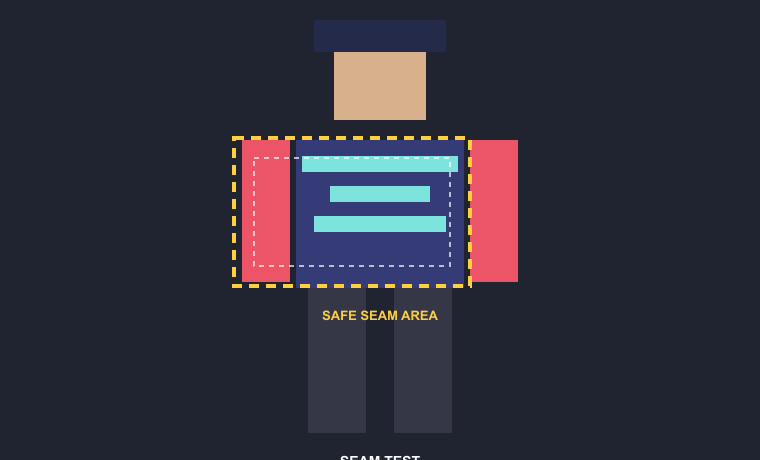
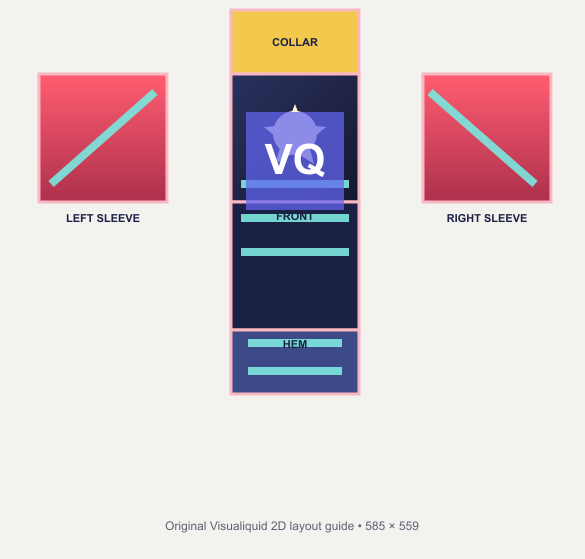
Try nowBuild 585×559 classic shirts, inspect all 18 UV faces, and compose 1920×1080 experience thumbnails locally.
The free Roblox shirt tester: strictly check 585×559 PNG or JPEG metadata and report coverage plus transparent boundary pixels for all 18 mapped faces.
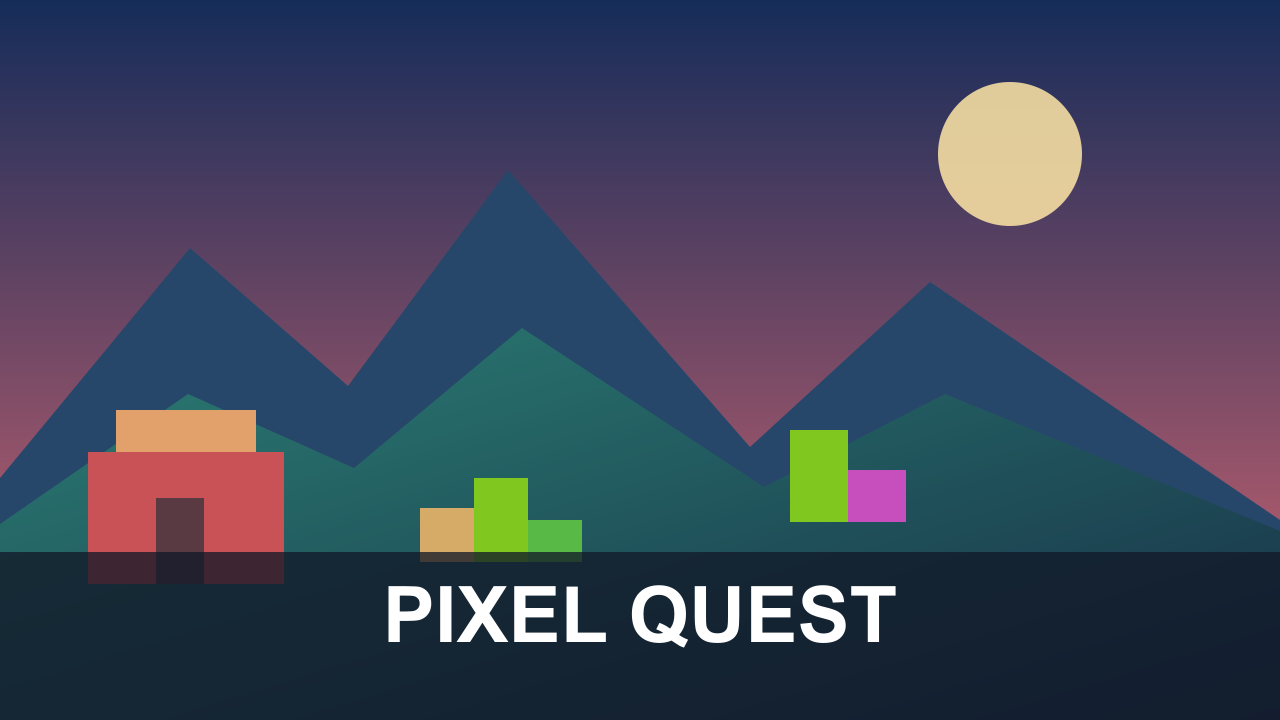
Try nowThe free Roblox thumbnail maker: compose three 1920×1080 layouts from PNG, JPEG, or WebP artwork, preview a bottom-edge placement reminder, and export PNG or JPEG only under 3 MB.
Try nowThe free Roblox game icon maker: compose a square 512×512 experience icon from PNG, JPEG, or WebP artwork, editable title and subtitle, background, accent, and text colors, and PNG or JPEG export.
Try nowFortnite Creator & UEFN tools
Original pixel character, portrait, and farm-planning tools for cozy-game creators.
The free Stardew Valley character creator: plan an original farmer outfit with four-direction previews, continuous color controls, named JSON presets, and two PNG export modes.
Try nowThe free Stardew Valley portrait maker: preview six ordered 64×64 expression variants and export one portrait frame or a transparent 256×128 expression sheet.
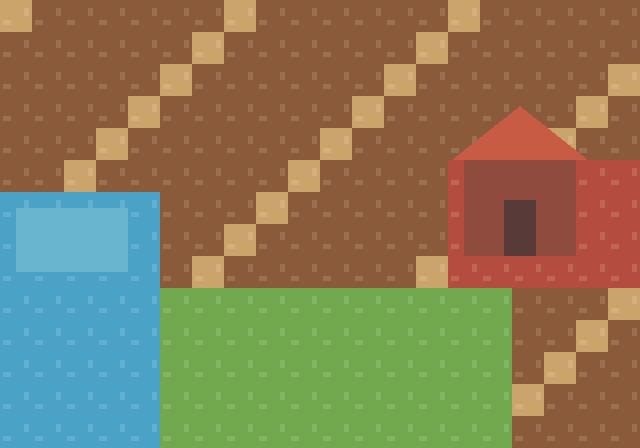
Try nowThe free Stardew Valley farm planner: test terrain, sprinklers, and exact building footprints on a 32×20 sandbox board with collision checks, coverage, history, JSON, and PNG export.
Try nowInspect supported local .wld and .plr files for seed details, a map preview, and carefully scoped character editing.
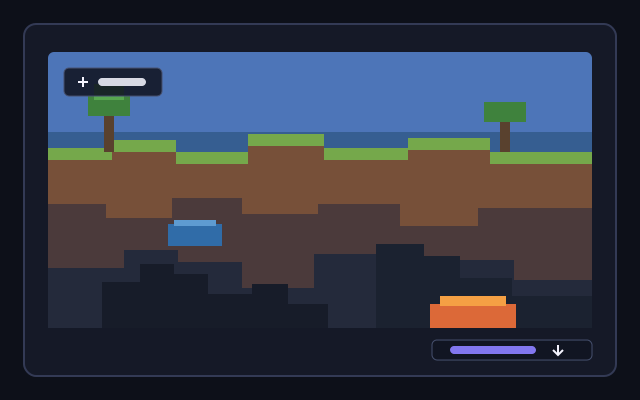
The free Terraria seed viewer: open a supported local Terraria .wld file to read its embedded seed, world size, difficulty, evil type, and file version without uploading the save.
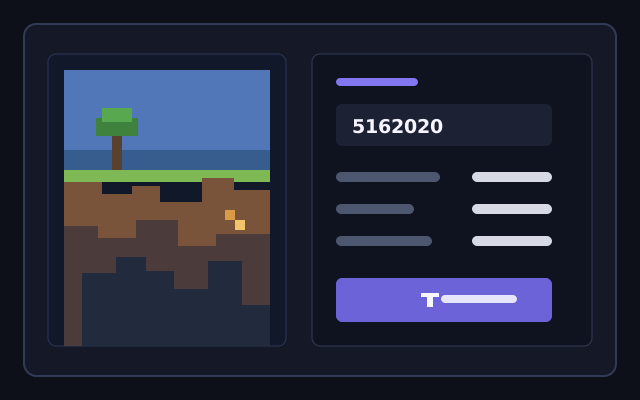
Try nowThe free Terraria map viewer: open a supported local Terraria .wld file, inspect its parsed 2D map, zoom the preview, and export a PNG reference without changing the world.
Try nowFree Terraria character and player editor: open your local .plr save file in your browser to edit character appearance, hair, colors, health, mana, game difficulty, and 58 inventory slots safely with automatic backups.
Try nowLive workflow
Switch platforms to preview how one source becomes a useful creator asset.
Source image
Creator-ready output
Mapped to 24 block colors
FAQ
Create Minecraft textures, block references, and resource packs, plus Roblox shirts, T-shirts, and clothing templates.
Choose a focused 2D workflow and create your first pixel-game asset in the browser.